
Warframe GDPR Parser
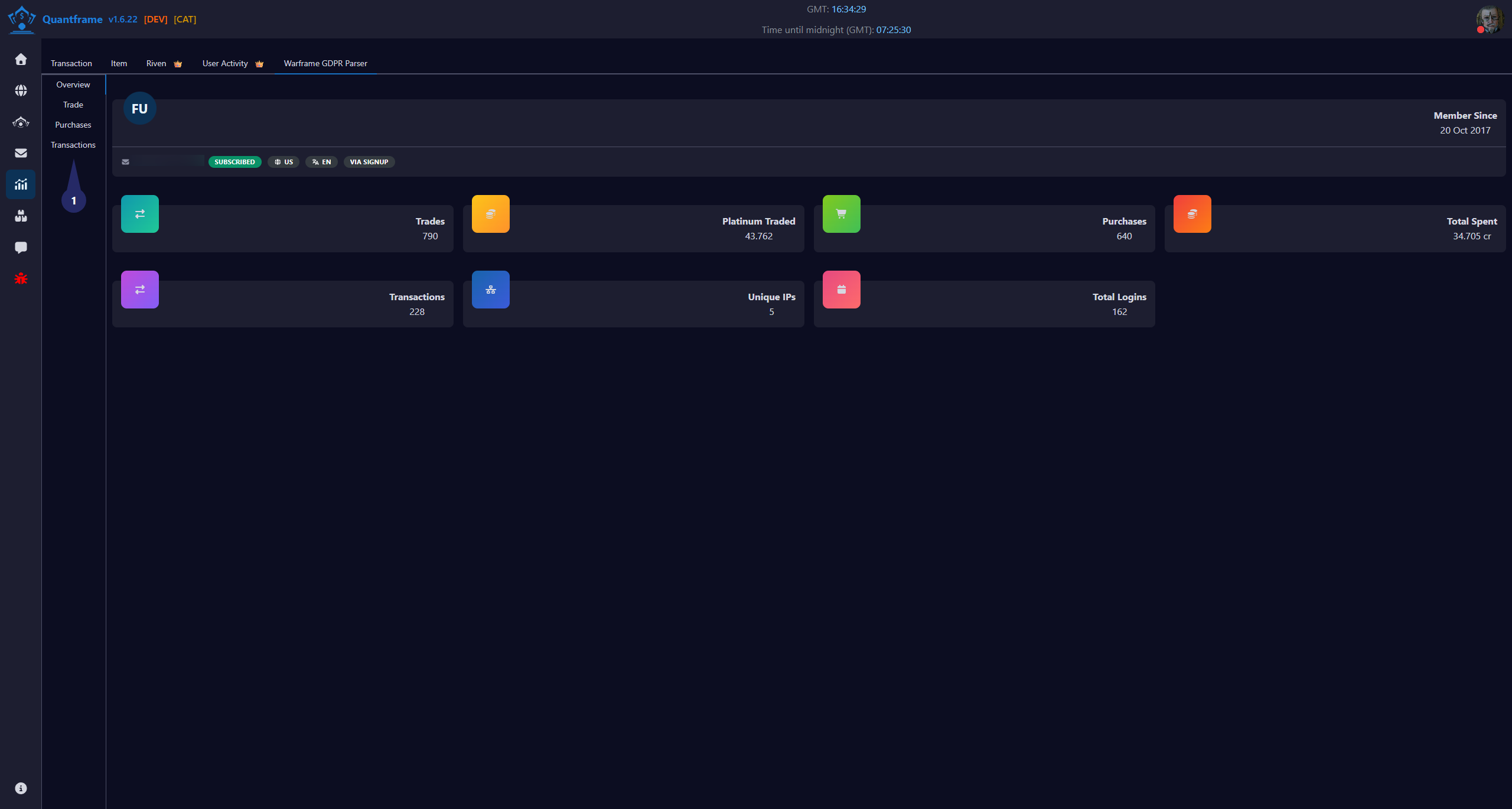
The Warframe GDPR Parser allows you to import your complete trading history directly from Digital Extremes by parsing your GDPR data export.
How to use parser
- Get your data from DE
- Go to zendesk
- Submit new request in category "My Account"
- Select subcategory "CCPA or GDPR - General Data Protection Regulation"
- Write something in Subject and Description fields
- Wait 1+ days for DE to process your request
- You will get an email with a link to download your data
- Unpack archive in some new folder.
- After you get your .txt files
- Go to Warframe GDPR Parser Under Trading Analytics > Warframe GDPR Parser
- Drag and drop one file at a time here.
1. Navigation
Overview
This page will give you a complete overview of your trading/transaction history. You can see all your transactions
Trade
This page will give you a complete overview of what you have traded. You can see all your trades, what you have bought and sold, and the prices.
Purchase (In Game)
This page will give you a complete overview of what you have purchased in the game. You can see all your in-game purchases, what you have bought, and the prices. so y can see what you spent your platinum on.
Transaction
This page will give you a complete overview of what you have spent your money on. You can see all your transactions, what you have bought, and the prices. so you can see what you spent your money on.